
Member pages: Access and security
Every Member of a group has their own Membership page, where they can update delivery preferences and personal details.
They can open it by clicking the link in the footer of every message sent to the group:

Access to membership pages
Members need to log in to Gaggle Mail to view their Membership page. If you click the link in a message footer and you're not logged in, you'll be asked to log in first. The page URL on its own is not enough to view or change anything.
Once logged in, you can:
- Update your name
- Update your delivery preference
- Update your email address
- Add an email alias
- Add an email signature
Unsubscribing
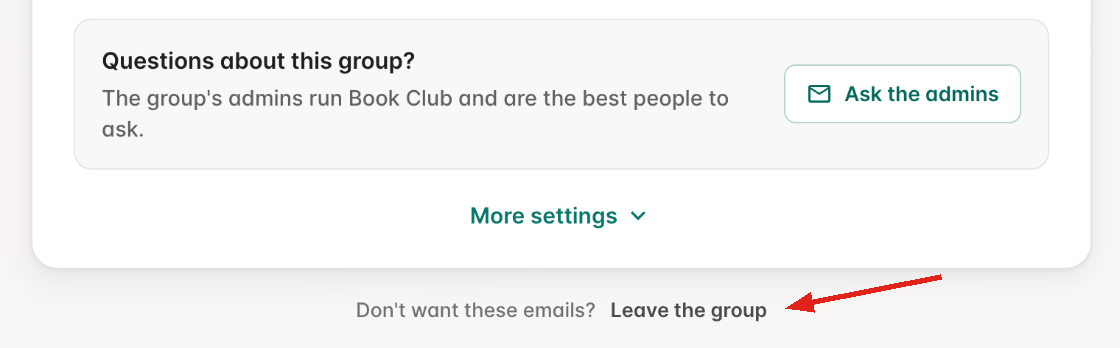
Once logged in, you can unsubscribe immediately by clicking Leave the group at the bottom of the page:
For other ways to unsubscribe, see How do I unsubscribe from a group?