
How do I unsubscribe from a group?
There are several ways to unsubscribe from a group.
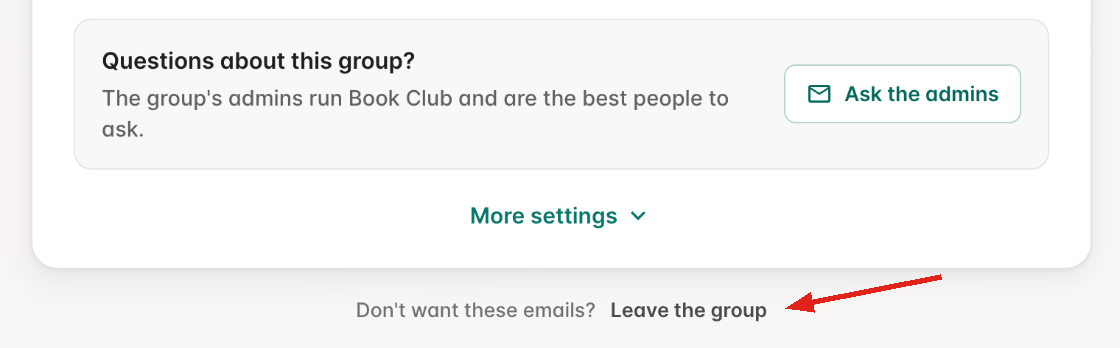
- Membership preferences page - On your member preferences page, there is a Leave the group link at the bottom of the page to unsubscribe from the group. You can find a link to your member's preferences page either in the welcome message you received when you joined the group or in the footer of every message you have received from the group.
- By sending an email - You can unsubscribe from any group you are a member of by sending an email to its specific unsubscribe address. For any group, just add "+unsubscribe" to the end of the first part of the email address to get its unsubscribed email address. For example, for
my-group@gaggle.email, the unsubscribe address ismy-group+unsubscribe@gaggle.email.
- Contact a group administrator - The group administrators can remove you from your group at any time. To contact group administrators directly, use a dedicated admins email address for your group. For example, for the group
my-group@gaggle.email, the admin's address ismy-group+admins@gaggle.email.