
Organization home page: Overview
An Organization home page is where Administrators can manage access and allow non-Members to join. You can customise the appearance, and make it publicly available for online signups.
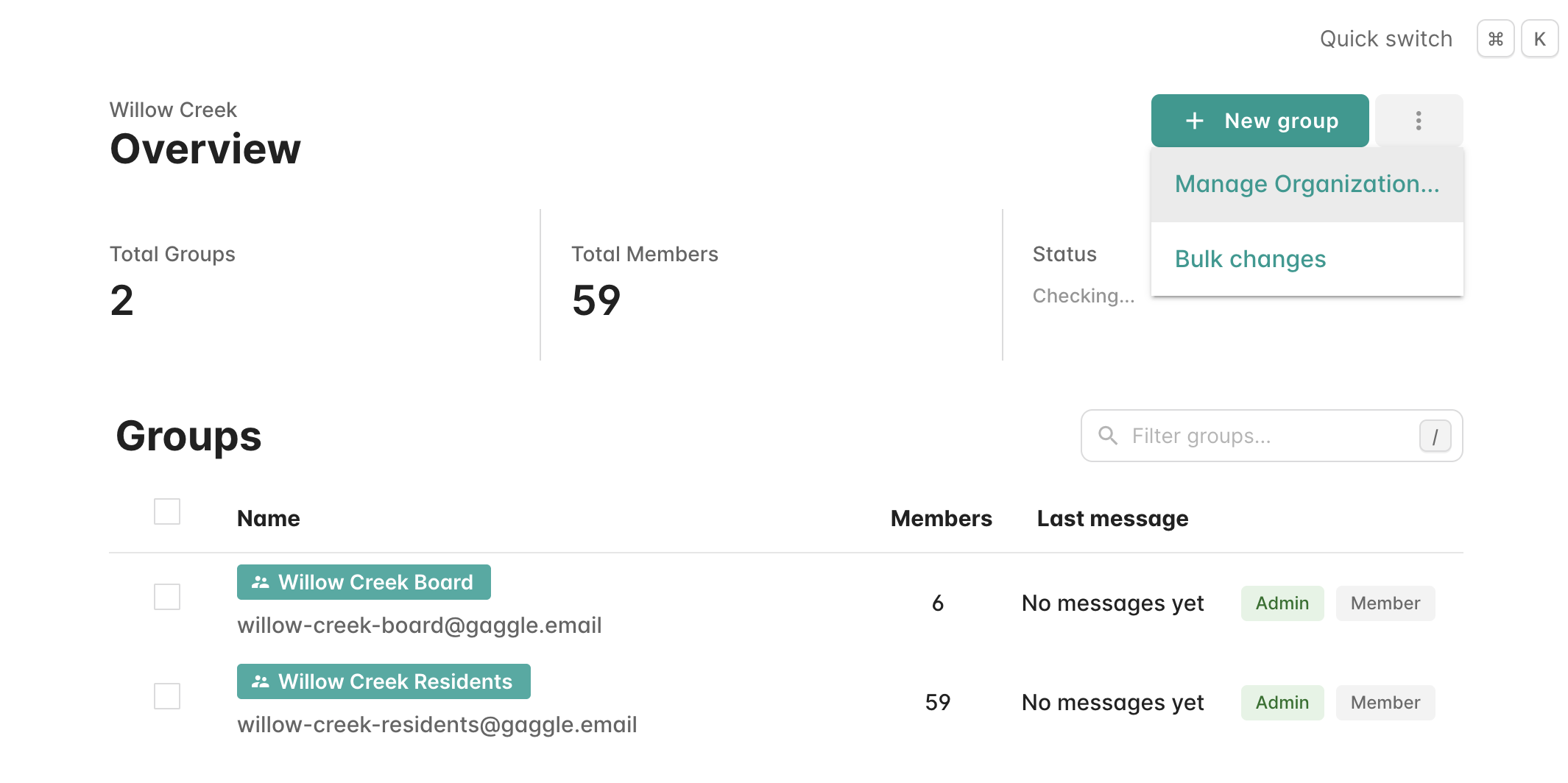
- To view a home page, select your Organization from the left sidebar. You will see the Overview page showing your groups, total members, and status.
-
Click Settings in the left sidebar or Manage Organization from the overflow menu (top right), then select the Customise tab:

-
You can now customise the page with a:
- Logo (appears on Daily Digest emails and your group site)
- Colour scheme (add branding with hue, saturation, and lightness)
- Hosted domains (have all emails sent and received from your domain rather than from @gaggle.email
- Group description (introduce the group)
- Subdomain (URL where people can access the home page)
-
You can also choose whether to only allow logged-in Members to view the page, or to allow anyone (useful if you also allow online sign-ups):


